
Search
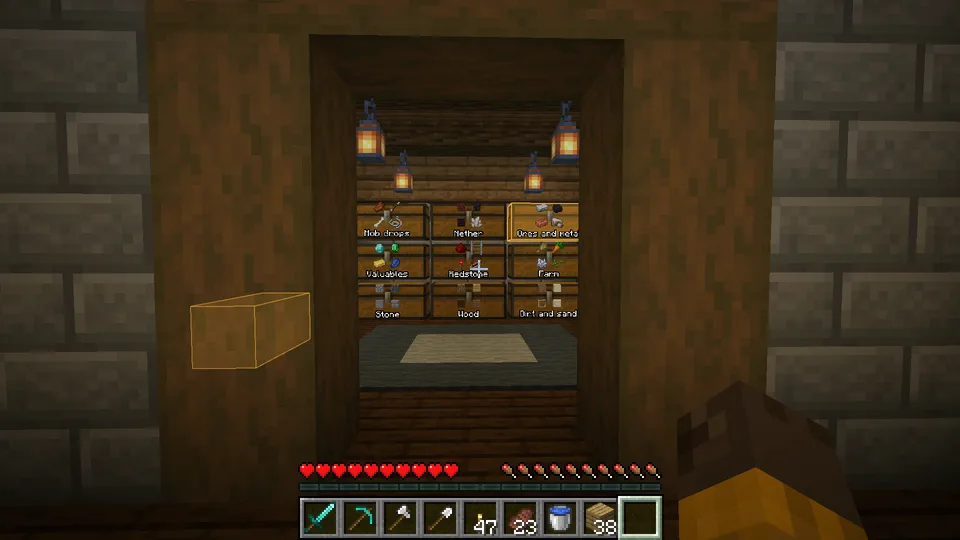
Find an item in every container you have opened, and light the containers up in the world.
Find an item #
- Press ` (left of 1), or click the magnifier under your inventory. On some Mac keyboards that key shows a plus-minus sign.
- Type what you are looking for, for example
iron. - Click the item. The screen closes and every chest that holds it lights up, also through walls.
- Walk to a glowing chest and open it. It stops glowing once you have.
Light them up #
Click an item in the grid, or the magnifier on a row, and the screen closes while every container that holds it lights up for 20 seconds. Click one container in an open row to light up only that one. A container stops glowing when you open it.
- A container you can see gets an outline in its color that hugs its shape, like the one on the block you look at.
- A container behind a wall shows through it, dimmer, and fades from one look to the other as it goes behind something.
- The highlight pings once when it appears, and each container opens its lid for a moment the first time you see it.
- It also shows with a shader pack.
- Style under Highlight, in the In the world tab of the settings: Overlay, the default, also fills the container with a little color; Outline draws only the edges.
Search shows what was in each container the last time it was read. See Chest memory.
How far to look #
| Tab | Looks in |
|---|---|
| Nearby | The room you are in: 8 blocks each way. |
| Area | Your base: 64 blocks out, at any height. |
| Loaded | Everything within your render distance. |
| World | Every container Sorted has seen in this world. |
When a tab finds nothing but a wider one would, the screen says so. The tab you pick is remembered.
Grid and list #
- The grid shows an icon and a total per item. Hover one for its name and where it is. Names under icons, next to the view switch, writes names under the icons.
- The list shows the name, the total and the nearest container with its distance. Click a row to see every container that holds it, with its own count and coordinates.
- Click the Item, Total or Where column title to sort the list by it.
- Counts are shortened: 1.2K is 1200.
Next, you may want to
Something missing or wrong on this page? Say so on Discord.